 Medieval Checkers KZV
How to install the test
You need an Android phone and the Google (Gmail) account of the e-mail you gave to the developer. It takes about a minute.
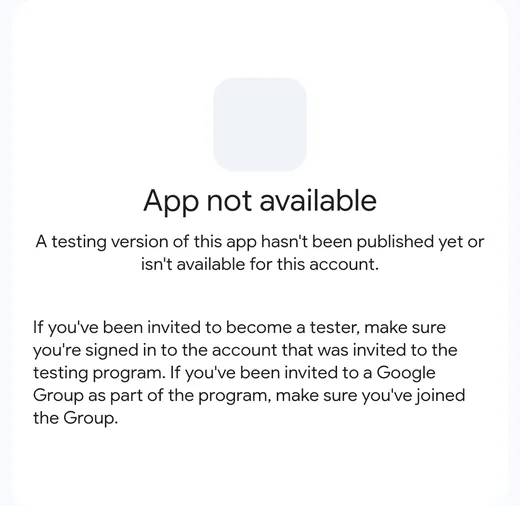
Open the link and check the account
Open the link on your phone. If you see "App not available", you are signed in with the wrong account: tap the initial or photo at the top right and choose the account that was invited.
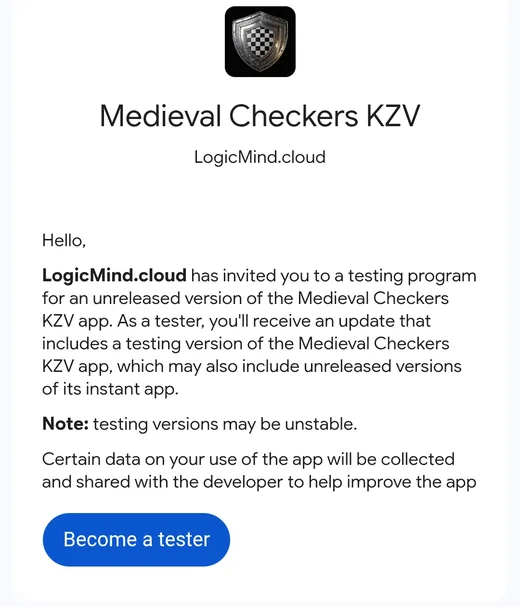
Tap "Become a tester"
With the right account you will see the invitation with the shield image. Tap the blue "Become a tester" button.
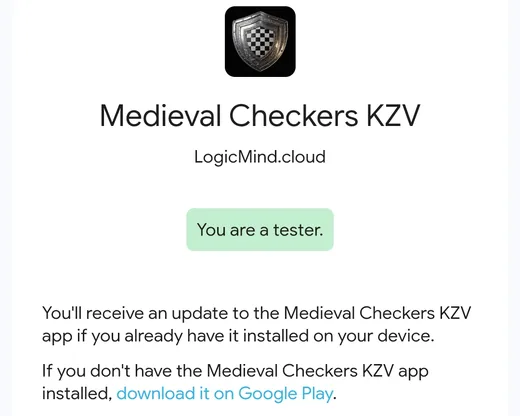
Tap "download it on Google Play"
When "You are a tester" appears, tap the blue "download it on Google Play" link.

Tap Install
The game page opens on Google Play with the early access notice. Tap Install.
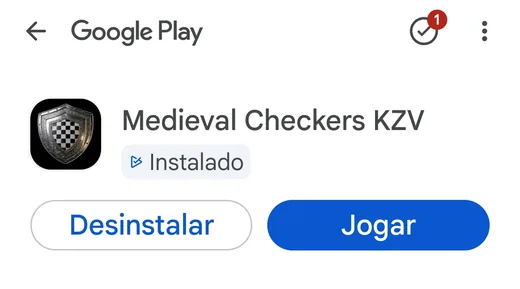
Tap Play
When it finishes, the Play button replaces Install.

Done: pick a nickname and play
Type a nickname, choose Classic or Medieval and play against the AI, online or with friends.
One important request
Google only lets the game go live after 14 days of testing with at least 12 people. So please do not uninstall the game during that time, and open it now and then. If you find a problem, tell the developer.